
Dosing Pump EEPROM Error: Controller Memory Fault Checks
A dosing pump EEPROM error means the controller cannot read or write the memory that stores your settings. The pump may still stroke, but the stroke length, frequency, calibration or operating mode no longer matches what you set, and the display shows a memory, EEPROM or parameter-loss message. This article is for plant electricians and chemical-room operators. Brand codes differ, so always follow the manual that shipped with the pump; no specific code numbers are invented here.
What a dosing pump EEPROM error actually is
EEPROM is the rewritable memory on the control board. It holds flow, stroke, signal type, calibration and run totals. At power-up the controller reads those values; when you change a setting it writes them back. A failed read or write raises a dosing pump EEPROM error, and some models also reset to factory defaults, which looks like the pump "suddenly forgot how to dose."
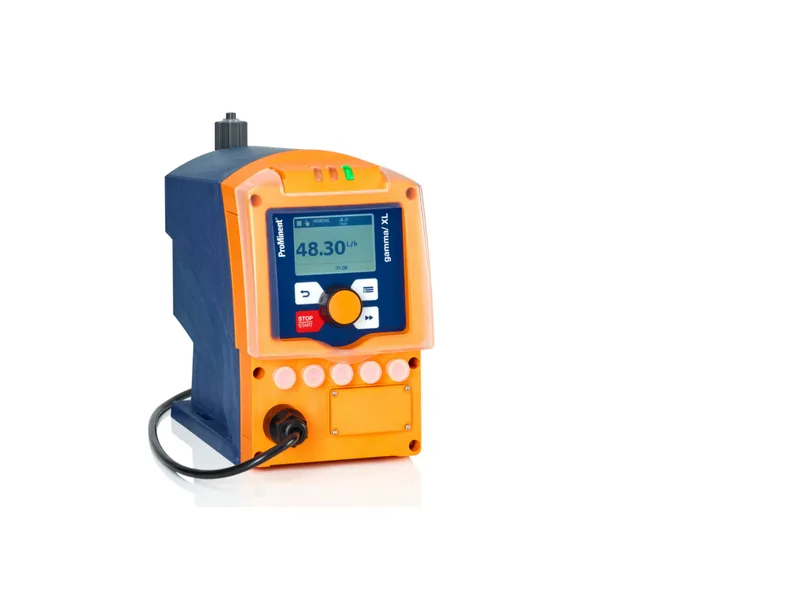
This is not a motor overload or a ruptured diaphragm. The liquid end can be perfectly healthy. Solenoid-driven pumps and microprocessor-controlled motor pumps both see this, because both rely on a board to keep settings. On a ProMinent gamma/ XL solenoid metering pump, the control functions sit in the electronic unit on the pump, and so does the memory. If a storage alarm appears, try the reset path in the manual before you open the liquid end.
Other board symptoms, such as a dead display or keys that do not respond, are covered in how to read dosing pump fault codes and solenoid metering pump repair.
What usually triggers a dosing pump EEPROM error
These are the causes we see most often:
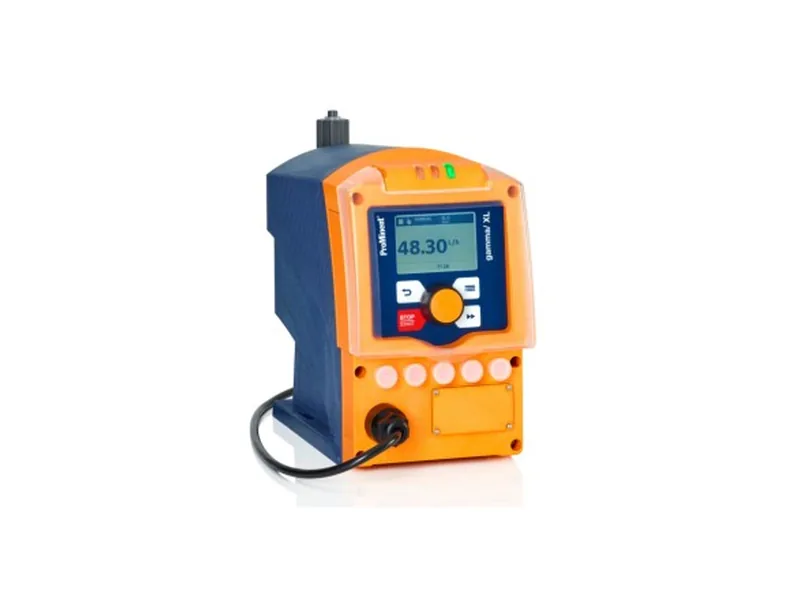
Figure 1: ProMinent gamma/ XL control unit. Image source: ProMinent official website
- Poor supply quality. A VFD starting on the same feeder, or a voltage dip during a write, can leave a half-written record.
- Lightning and surges. A pump room without solid grounding or surge protection can lose a memory chip, or only some sectors, after one induced spike.
- Moisture and fumes. Acid mist or hypochlorite vapor in a poorly sealed enclosure condenses on the board and makes contact intermittent.
- Firmware work or a hard power cut while a write is in progress.
There is also a common misread: someone changed the menu, or restored factory settings, and the pump looks broken when the values were simply cleared. Ask who last opened the menu before you treat it as a true dosing pump EEPROM error.
A practical check order
Work safely. Stop the pump, confirm the discharge is depressurized, then touch the electrics. Pulling a ribbon cable live often turns a small fault into a dead board.
Write down the exact message and when it appeared: at power-up, after a parameter change, or after a stretch of running. That note helps the supplier later. Then do a power cycle as the manual describes. A one-off collision sometimes clears on the next start.
If the alarm stays, use the service menu to restore factory settings or initialize memory, then enter flow, signal type and calibration again. Copy the old values before you reset. Watch a few dose cycles to see whether the dosing pump EEPROM error returns.
If it keeps coming back, stop experimenting in the menu. Check supply stability, bonding, whether signal cables are bundled with motor cables, and whether the board is damp or scorched. A new board will fail again if the supply and surge path are still wrong. Once the board is clearly damaged, return it or replace the electronic unit; do not unsolder chips in the field.
Reset paths differ by brand. IWAKI display meanings are summarized in IWAKI pump error codes, but an EEPROM item should still be taken from that model's manual.
How to make a dosing pump EEPROM error less likely
Give the pump a reasonably clean supply, away from welders and large motors that start often. Bond the room, use shielded signal cable and earth the shield at one end. In a damp or outdoor chemical room, keep the enclosure sealed after service.
Wait until a write has finished before you isolate the breaker. For a pump that will sit idle, power it up now and then so the first start after a humid month is not a dosing pump EEPROM error. Keep a spare board or electronic unit of the same model; that is faster than a factory repair.
Isolate and prove the circuit dead before you unplug anything. If you open the box in a corrosive room, keep liquid off the board.
Conclusion
A dosing pump EEPROM error is a memory read or write failure, not a mechanical failure of the liquid end. Record the message, power-cycle, then restore factory settings and re-enter parameters; if it repeats, fix the supply, grounding and moisture before you replace the board. See the solenoid metering pump page and the ProMinent page for related models. Send us the model, the exact alarm text and when it started, and contact our engineers to judge a reset versus a board change.
FAQ
Can the pump keep dosing during a dosing pump EEPROM error?
Not always. Some models continue on default values; others stop. Check the manual and the actual delivery. Do not assume the old set point is still in force.
Will a factory reset clear a dosing pump EEPROM error?
A one-off write error often clears after a reset and a fresh set of parameters. If the alarm returns immediately at power-up, the chip or board is probably damaged and you should plan a replacement.
Can a dosing pump EEPROM error damage the liquid end?
Not directly. The real risk is a wrong dose after parameters reset. Confirm flow with a calibration column before you return the pump to service.
Can I replace the memory chip myself?
No. The chip and board are a matched set, and field soldering often ruins the board. Replace the complete board or electronic unit.
What should I do after fitting a new board?
Re-enter signal type, flow and calibration, then verify delivery. Also check the supply and grounding so the new board does not repeat the same dosing pump EEPROM error.